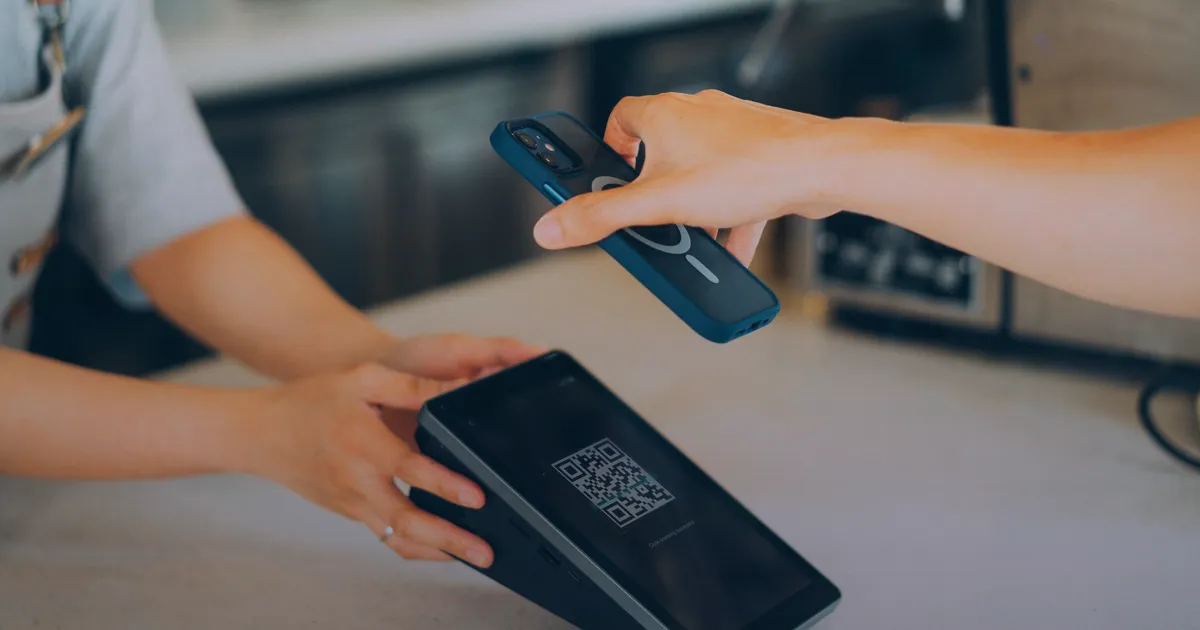

"Sent na po!" and a screenshot. If you sell online in the Philippines, you know the message. GCash and bank transfers are how most of your customers want to pay, and the proof of payment arrives wherever the customer happens to be chatting: Messenger, Viber, Instagram, email, sometimes all four.
This guide is about turning that into a simple system your whole team can follow, whatever platform your store runs on.
Why screenshot payments go wrong
- Receipts end up in different places. One person checks Messenger, another checks email, and nobody can see the whole picture.
- You can't tell which order it's for. A receipt for ₱1,500 doesn't help when four orders today came to ₱1,500.
- Nobody knows what's been checked. Two people check the same receipt, or nobody does, and an unpaid order ships.
- Screenshots can be faked. An image can be edited. A screenshot alone proves nothing until you see the money in your own account.
A five-rule system for proof of payment
1. One home for every receipt
Pick one place where every receipt ends up, whatever app it arrived in. That can be a shared folder, a spreadsheet with a column for the image link, or the order itself if your store can hold it. If a receipt arrives on Messenger, someone moves it to the home straight away.
2. Every payment gets an order number
Ask customers to send the order number with the receipt, every time. Put it in your payment instructions and in the order confirmation. A receipt without an order number goes back with a friendly question before anyone checks it.
3. Ask for the reference number
Every GCash receipt has a reference number. With it, you can find the payment in your GCash transaction history in seconds instead of scrolling by amount and time.
4. Check your own app, not the picture
Before you mark anything paid, open your GCash or bank app and find the payment there: the right amount, the right reference number, money actually received. The screenshot tells you what to look for. Your own account tells you whether it's real.
“The screenshot tells you what to look for. Your own account tells you whether it's real.”
5. Record it, then ship
Mark the order paid in your store, with who checked it and when, and only then pack it. That one step means nobody re-checks a paid order and nothing ships unpaid.
Free checklist
Proof-of-payment checklist
Pin it next to whoever checks payments.
A message you can send customers
Put this in your order confirmation or save it as a quick reply. Change the details to yours.
Spreadsheet or app?
A spreadsheet works when you have a handful of orders a day and one person checking them. Columns for order number, amount, reference number, receipt link, checked by and date are enough.
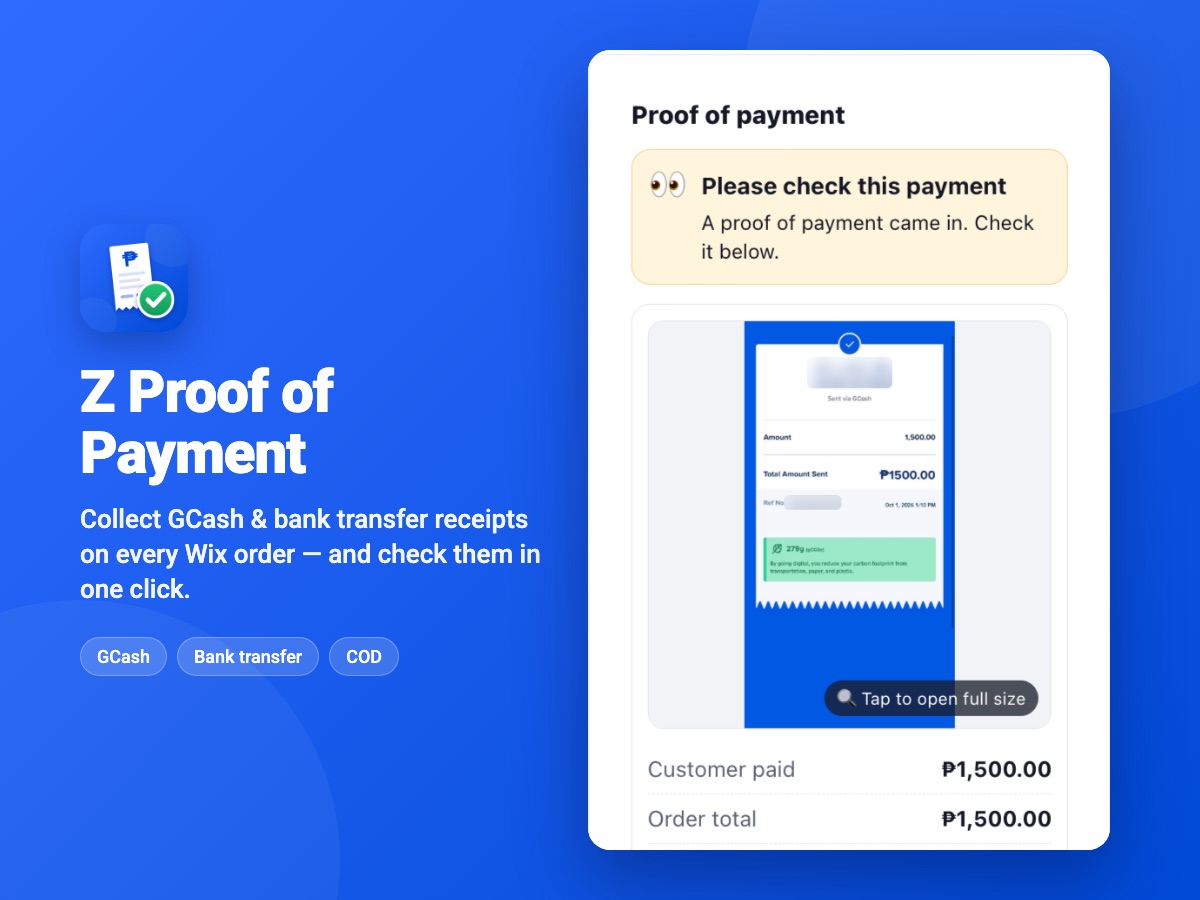
Once several people handle orders, or receipts start slipping through, it's worth putting the receipt on the order itself. If your store runs on Wix, that's what our app Z Proof of Payment does: customers upload the receipt on a phone-friendly page, it lands on the right Wix order with an amount-match check, and staff can upload receipts that came in on Messenger too. A person still confirms the money arrived before the order is recorded as paid, which is exactly rule 4.
Comparing your options on Wix? Read How to Accept GCash on Wix, or see the side-by-side on our GCash on Wix page.
Want a store built around this?
If your shop lives in Messenger and a spreadsheet, a proper online store can take the order, show your GCash details and collect the receipt in one go. That's the kind of store our team builds. Our GCash on Wix page shows how the receipt part works on Wix.