
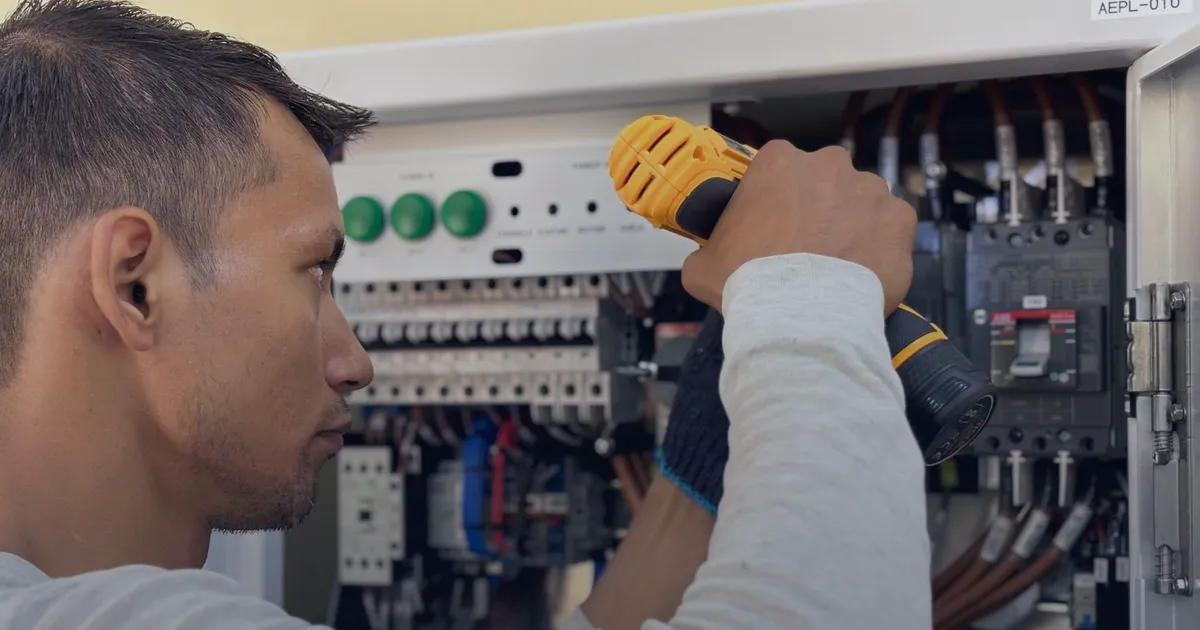
Most people find an electrician on their phone, often with a problem that needs fixing today. They don't read your About page. They check three things in a few seconds: do you do this job, do you come to my area, and how do I reach you. Here's what your website needs to answer those questions, and a few more that win the job.
1. A phone number you can tap
Put your number at the top of every page, as a button that dials when it's tapped on a phone. Not an image, not hidden in the footer. If you take emergency call-outs, say so right there and show your after-hours number.
“If they can't call you in one tap, they'll call the next electrician on the list.”
2. Your licence number
Customers want to know you're licensed, and in most states licensed electrical contractors have to show their licence number in their advertising. A website counts. The exact rule depends on your state, so check with your state's electrical licensing regulator, then put the number in the header or footer of every page.
3. Each service on its own
"Electrical services" tells nobody anything. List what you actually do, each with a short section of its own: switchboard upgrades, safety switches, lighting, power points, EV chargers, fault finding, new builds. People search for the job, not the trade, and a clear section for each one helps Google match you to the search.
4. A quote form that takes photos
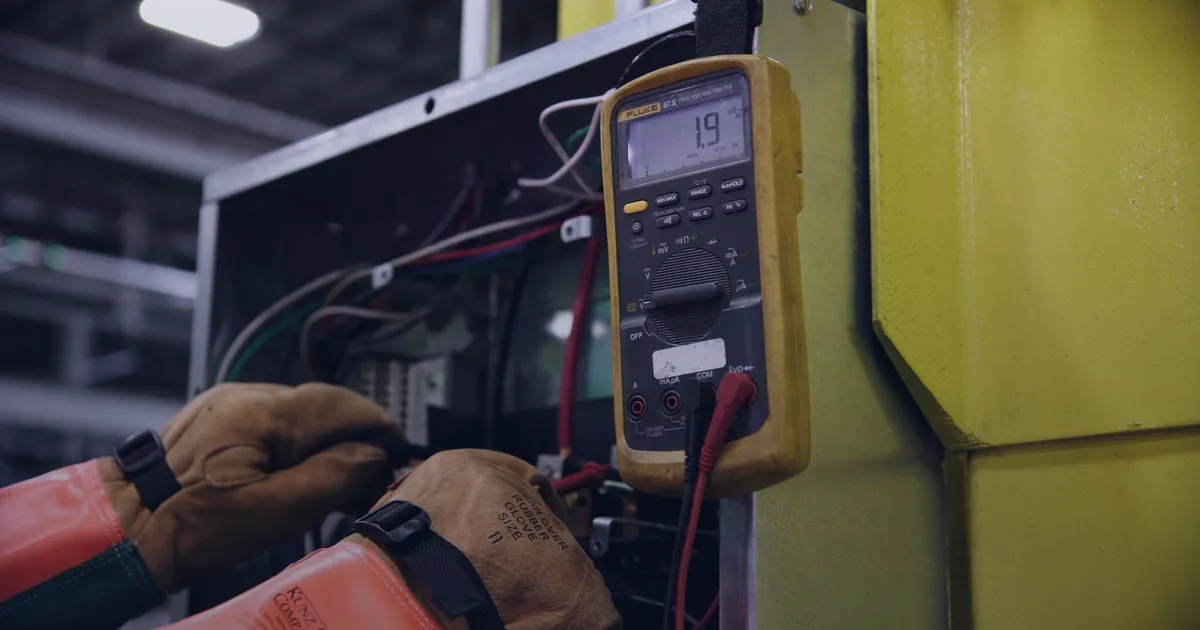
Keep it short: name, phone, suburb, what's wrong, and a photo. A photo of the switchboard or the fault often tells you whether it's a quick job or a rewire before you've left the van. Make sure the form sends to your phone as well as your inbox, so a lead doesn't sit for a day.
5. The areas you service
List the suburbs and regions you want work in. It stops calls from people too far away, tells locals you'll come to them, and helps Google show you in nearby searches. Keep the same business name, address and phone number on your site and your Google Business Profile.
6. Your Google reviews
Show your real Google reviews on the site and link to your Google Business Profile so happy customers can leave a new one. Ask after every good job: a link in your follow-up text makes it a ten-second favour.
7. Real job photos
A tidy switchboard, neat cabling, a finished kitchen with new lighting. Real photos of your work build more trust than stock images ever will. Take them on your phone as you go, with the customer's OK, and keep the best ones for the site.
The checklist
Go through your current site with this. Tick what it has, and fix what it doesn't.
Free checklist
Electrician website must-haves
Want all of it without lifting a finger? See what we build for electricians, or try the free demo for tradies.